How Often Should Office Machines Be Cleaned?
How often should office machines be cleaned? Learn the right schedule for coffee makers, printers, and shared equipment to keep your office running well.
That breakroom coffee machine that everyone loves, the printer that never stops humming, and the microwave that sees three lunches an hour all have one thing in common – if they are not cleaned on the right schedule, they start costing you in ways that are easy to miss. If you are asking how often should office machines be cleaned, the short answer is this: more often than most offices think, and not always on the same timeline.
The right cleaning schedule depends on how many people use the machine, what the machine handles, and what happens when it gets neglected. A commercial coffee machine has different cleaning needs than a copier. A breakroom refrigerator has different risks than a water dispenser. The goal is not to create more work for your team. It is to protect reliability, appearance, hygiene, and the day-to-day experience your staff and visitors have in your space.
How often should office machines be cleaned in a typical workplace?
Most office machines need some level of attention daily, weekly, and monthly. That may sound like a lot, but it becomes manageable when you separate quick surface cleaning from deeper maintenance.
Shared-touch machines should usually be wiped down daily. That includes coffee machines, microwaves, refrigerators, vending areas, printers, copiers, and touchscreens. These are the places where fingerprints, spills, dust, and germs build up fast. In a busy office, daily light cleaning is the baseline, not the extra step.
Weekly cleaning is where performance starts to matter. This is the time to remove buildup, empty waste trays, clean exterior vents, sanitize handles and buttons more thoroughly, and check for signs that the machine is working harder than it should. Monthly cleaning is usually the deeper layer – internal cleaning where appropriate, filter checks, descaling, and manufacturer-recommended upkeep.
The catch is that usage changes everything. A printer used by six people in a quiet office does not need the same schedule as a bean-to-cup coffee machine serving 40 employees and clients every day.
Coffee machines need the most consistent attention
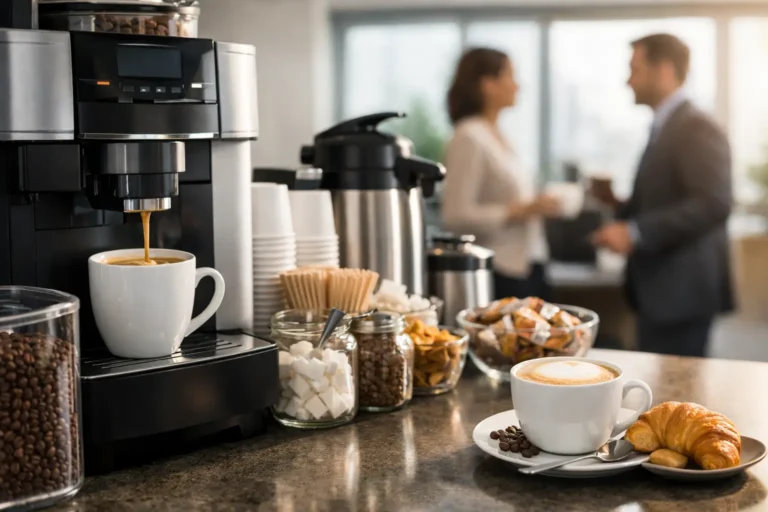
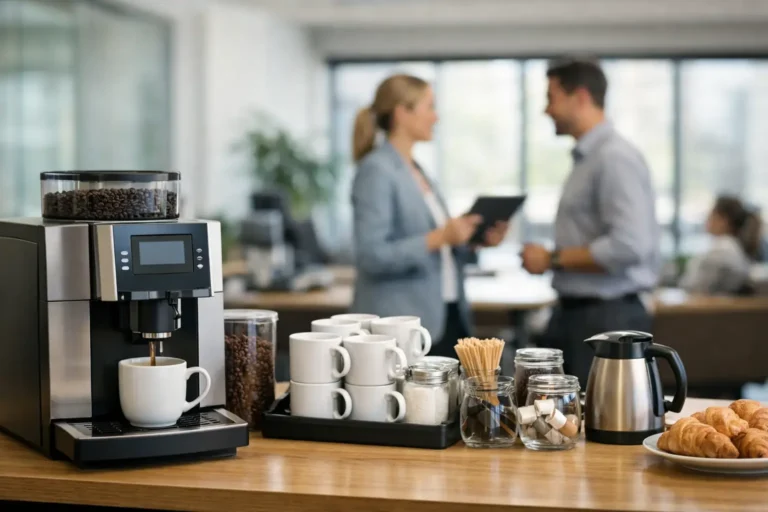
For many offices, the coffee machine is not just another appliance. It is one of the most visible parts of the workplace experience. When it is clean, drinks taste better, the machine looks professional, and employees are more likely to use it. When it is not, people notice right away.
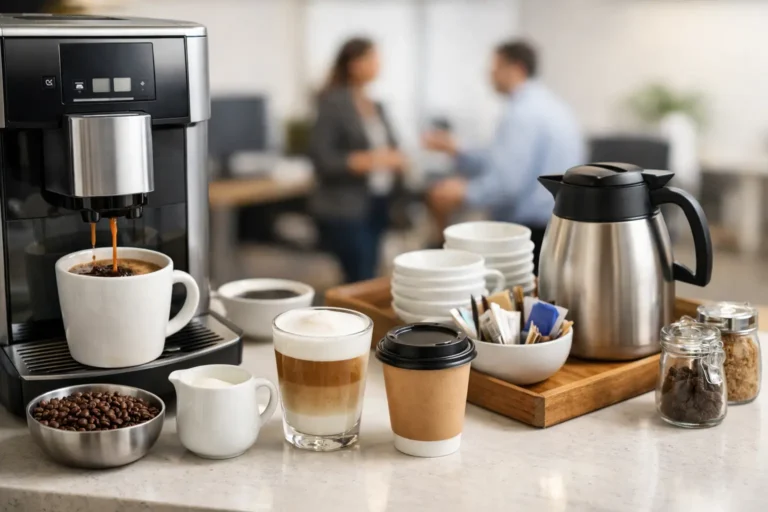
A commercial coffee machine should typically be wiped down daily, with drip trays, waste containers, and milk-contact areas cleaned every day they are used. If the machine prepares specialty drinks like cappuccinos, lattes, or mochaccinos, milk systems need especially close attention. Those parts cannot be treated like a once-a-week task.
Weekly cleaning should include more thorough attention to removable parts, bean hoppers if needed, splash areas, and any surfaces that collect oils or residue. Monthly or manufacturer-scheduled maintenance may include descaling, internal checks, and performance testing. In a high-use office, some of those deeper tasks may need to happen more often.
This is where convenience matters. Office managers rarely want to become coffee equipment specialists, and they should not have to. A full-service workplace coffee program works best when cleaning and upkeep are already built into the service plan, so the machine keeps delivering café-quality drinks without becoming another item on your team’s to-do list.
Printers and copiers are different – but not low maintenance
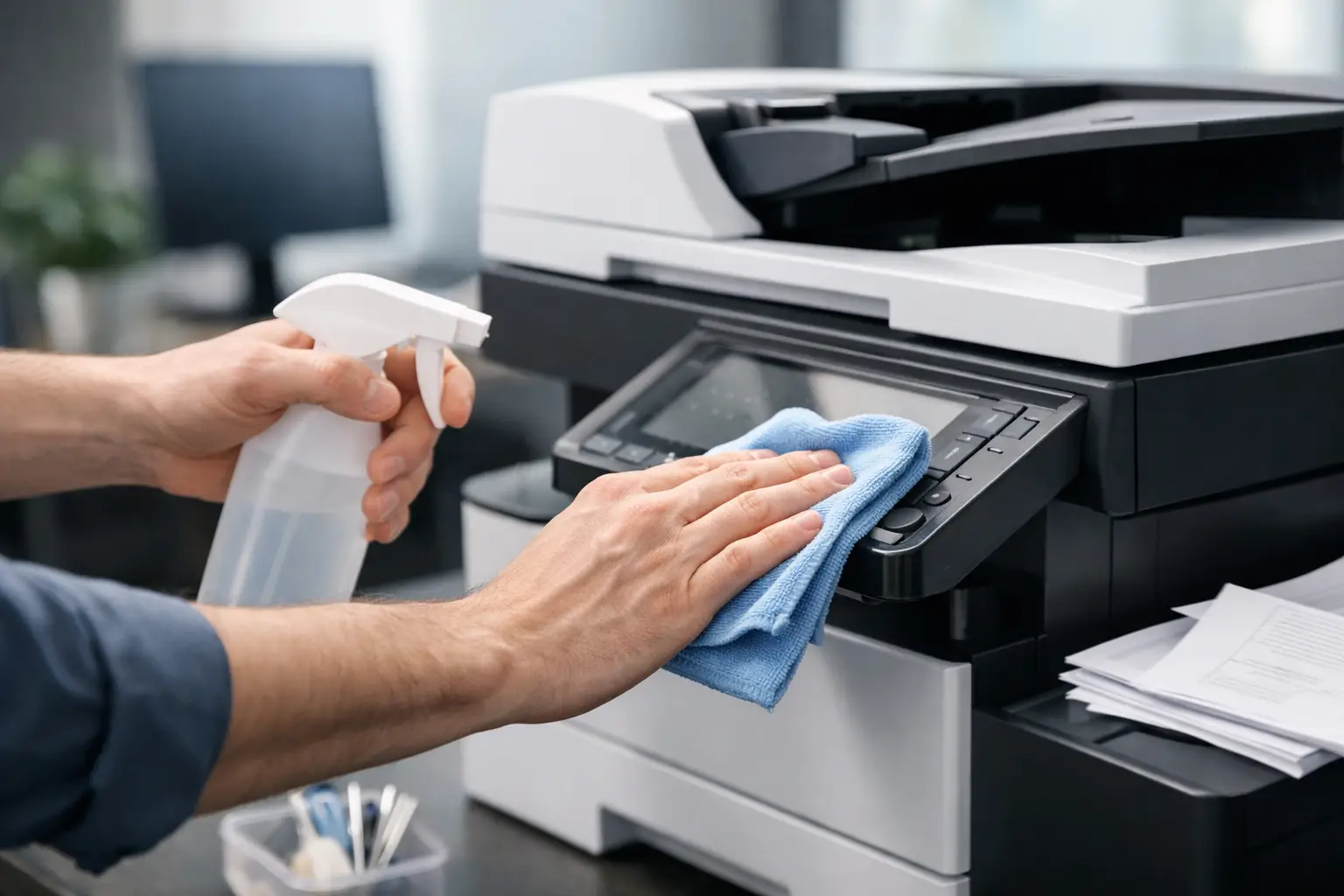
Printers and copiers do not usually raise the same hygiene concerns as food and beverage equipment, but they absolutely suffer when dust and residue are ignored. Paper dust, toner particles, fingerprints, and clogged feed areas can slowly reduce print quality and increase service issues.
Exterior surfaces and high-touch controls should be cleaned at least several times a week in most offices, and daily in busier environments. Interior cleaning depends more on the manufacturer and the machine type. Some internal components should only be handled during professional maintenance, while paper trays, output areas, and accessible dust-prone spots can be cleaned on a regular schedule.
If your office starts dealing with streaks, jams, faded prints, or repeated service calls, cleaning may not be the only issue, but it is usually part of the picture. A machine that looks fine from across the room can still be collecting enough buildup to affect performance.
Breakroom appliances need a hygiene-first schedule
Microwaves, refrigerators, water dispensers, and ice machines sit at the intersection of convenience and sanitation. They are used often, touched by many people, and easy to ignore until there is an odor, spill, or complaint.
Microwave interiors should be checked and cleaned daily in any office where employees regularly heat meals. Refrigerators benefit from daily quick checks for spills and weekly shelf cleaning, with a deeper clean at least monthly. Water and ice equipment should follow a stricter sanitation routine based on use volume and manufacturer guidance.
This is one of those areas where good intentions are not enough. If cleaning is left to chance, it usually becomes inconsistent. Shared office appliances need clear ownership, whether that is handled in-house or through a service partner for specific equipment.
The best cleaning frequency depends on three factors
If you want a practical answer to how often should office machines be cleaned, start with use, exposure, and consequence.
Use means how many people interact with the machine and how often. A coffee machine used all day needs more care than one used a few times each morning. Exposure means what the machine comes into contact with – food, milk, water, toner, dust, hands, or airborne debris. Consequence means what happens if the machine is not cleaned. Sometimes the risk is poor appearance. Sometimes it is bad taste, mechanical failure, downtime, or sanitation concerns.
When all three are high, cleaning should be frequent and structured. That is why coffee systems and breakroom beverage equipment often need the most disciplined schedule. They are high-use, high-contact, and closely tied to employee experience.
Signs your office is not cleaning machines often enough
You do not need a formal audit to spot a weak cleaning routine. Usually, the signs show up in small annoyances first.
Drinks start tasting off. The coffee machine looks worn before its time. The printer leaves marks or jams more often. Microwave splatter becomes normal. Employees stop trusting the shared refrigerator. Clients notice fingerprints, stains, or clutter around equipment areas.
None of those issues happen overnight. They build gradually, which is exactly why they get overlooked. By the time someone raises the issue, the machine may need more than a simple wipe-down.
Why overcleaning can also be a problem
More cleaning is not always better. The wrong products, too much moisture, or aggressive handling can damage touchscreens, seals, finishes, and internal components. This is especially true for premium coffee equipment and more advanced office electronics.
That is why the best schedule is not random and it is not one-size-fits-all. The safest approach is to combine routine exterior cleaning with manufacturer-approved maintenance intervals and professional service where needed. You want machines that are clean, not worn out by guesswork.
A smart office cleaning schedule should feel easy
Most businesses do not struggle because they do not care. They struggle because office machines fall into the gap between janitorial work, employee courtesy, and technical maintenance. Everyone assumes someone else is handling it.
The fix is simple. Assign daily touchpoint cleaning, set weekly checks for shared equipment, and make sure specialized machines have a clear service plan. For coffee equipment in particular, outsourced support can remove a lot of friction. When installation, restocking, cleaning, and maintenance are handled together, the machine stays reliable and your team gets the benefit without the burden.
That is one reason businesses in Canton often prefer a hands-off beverage setup through a provider like Sip and Smile Gourmet Coffee. It keeps the office looking polished, the drinks tasting right, and the maintenance off your plate.
What a realistic cleaning rhythm looks like
In most workplaces, daily means wipe-downs, sanitizing touchpoints, spill cleanup, and emptying obvious waste. Weekly means a more careful clean of removable or accessible parts, plus a visual check for wear, buildup, or early performance issues. Monthly means deeper maintenance based on machine type, manufacturer guidance, and actual usage.
If your office has more than 10 employees, hosts visitors regularly, or offers premium beverages as part of the workplace experience, you should assume your most-used machines need closer attention, not less. The more your office relies on them, the less room there is for a loose cleaning routine.
A clean machine does more than look better. It works better, lasts longer, and reflects better on your business. When your workplace is built to impress staff and clients, the details behind the scenes matter just as much as the drinks in the cup.